We’re currently in the process of moving to USB adapters with USB C connectors. These are usually connected, via standard USB C cables, to a modern computers running terminal emulation software.
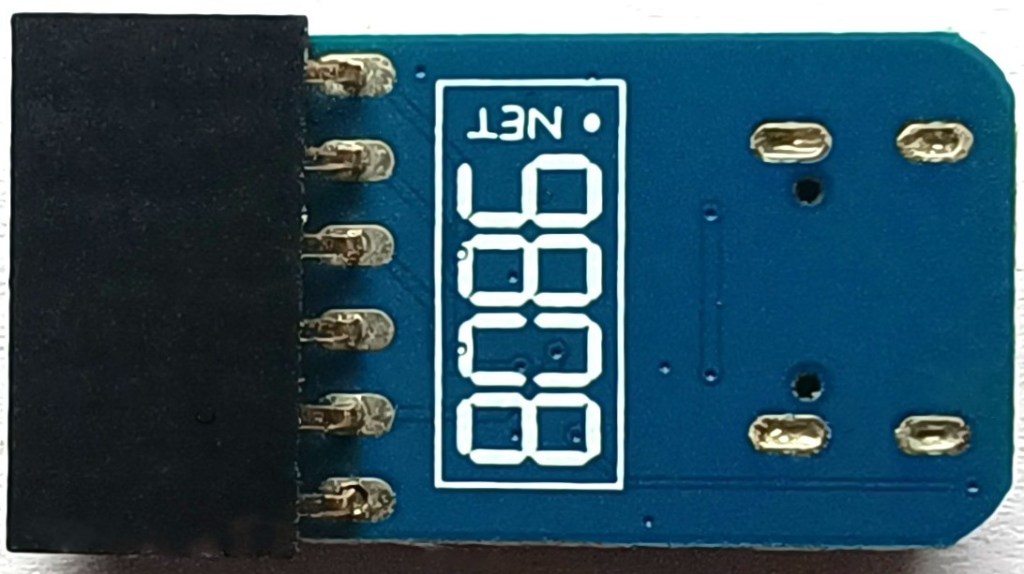
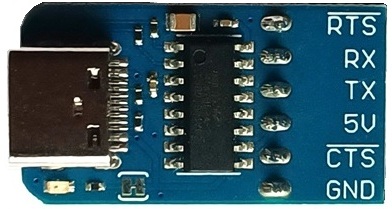
This adapter typically connects as shown below.
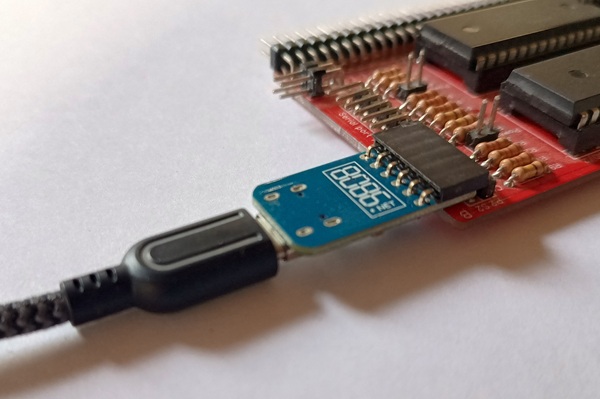
Serial ports on retro computers often have a row of six pins.
Check the orientation when connecting the adapter. The GND pin should be marked on the PCB.
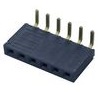
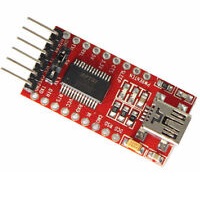
Sometimes the retro computers also have a 6-pin socket, allowing direct connection of adapters that have pins rather than sockets.
An example of adapters that can be directly connected to such sockets is shown to the left.
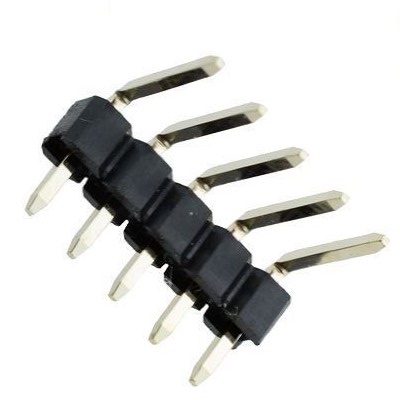
If the space around the pins prevents the adapter being connected, it will be necessary to bend the pins.
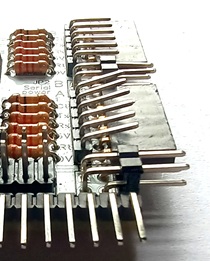
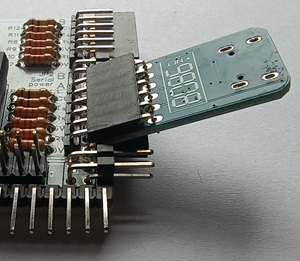
If you are about to build a kit with both connectors, you may prefer not to fit the 6-pin socket and thus avoid the need to bend the pins.
 Small Computer Central